Hands-on computing: Explore our new Code Club unplugged projects

Not every Code Club session needs computers to support brilliant learning. Our new unplugged projects bring core computing concepts to life through games, puzzles, and hands-on activities that get creators moving, thinking, and collaborating — all without screens.

Why unplugged matters

We want to make computing concepts accessible to everyone. These unplugged activities support clubs working with limited devices and offer more flexible, hands-on session options.

This helps to build inclusivity and lower barriers for Code Clubs around the world, ensuring that every child has the chance to learn and create.

Built with (and tested by) the Code Club community

The success of these projects is a direct result of our community’s incredible support. The projects were tested in clubs all over the world, and mentors and creators shared valuable insights from real sessions that informed key improvements.

This collaboration helped ensure the resources are engaging, practical, and enjoyable. We’re deeply grateful to the community for playing such an important role in shaping these projects.

Two hands reaching for printed cards on a table showing different Scratch blocks

Four flexible formats to fit any session

There are four unplugged formats designed to flexibly support your sessions, making it easy to adapt activities to your time, space, and group.

Icebreakers (10–15 mins)

These icebreakers get creators moving and chatting in a relaxed way, without putting anyone on the spot. They’re perfect for new groups, setting a playful tone while building confidence and a sense of community from the start.

  • Flexible for individuals or teams
  • Builds sequencing, decomposition, and algorithmic thinking
  • Encourages creativity and problem-solving 

When tested, creators loved the friendly competition, the mystery of the hidden treasure, and the freedom to get imaginative with their clues.

“Our Creators absolutely loved creating their own secret sequences of clues. It was a brilliant mix of a fun treasure hunt and a clever little challenge!”  – Code Club mentor

Warm-up activities (15–20 mins)

These activities gently introduce core concepts, which creators then explore further in a linked digital activity later in the session.

Standalone games (30–60 mins)

The self-contained games are ideal for exploring core concepts in your Code Club. They include built-in discussion starters to help creators make connections and reflect together.

Escape rooms (as long as you need!)

Our escape room projects are a series of linked puzzles with an exciting narrative that can unfold over one full session or several sessions. Creators experience blended storytelling while using code-breaking and teamwork to reach a shared end goal. These can be completed in teams or individually.

Escape the jungle with The Jungle Awakens

The Jungle Awakens is an immersive escape-room experience set in the Lost Temple of the Emerald Heart. Creators tackle linked puzzles — including logic challenges, ciphers, and navigation tasks — to uncover the temple’s secrets.

  • Flexible for individuals, pairs, or small groups
  • Introduces key computing concepts, from algorithms to cryptography
  • Ideal for mixed-ability groups
  • Encourages teamwork and communication

“It’s a fantastic series of linked puzzles with an exciting narrative. The blended storytelling, code-breaking, and teamwork all work together perfectly, and by the end, our club felt like a well-oiled problem-solving machine!” – Code Club mentor

Three young boys collaborating on a paper-based activity.

Getting started with unplugged sessions

Unplugged sessions are flexible, low-prep and work well when devices are limited or you need to add some variety. They’re ideal for the start or end of term — or anytime you want to take learning off-screen.

Mix unplugged and digital by using unplugged activities as quick warm-ups to introduce core concepts like sequencing, then build on them in a linked digital activity. They also work well as extensions for early finishers or on device-free days.

Getting started is easy. No specialist equipment is needed, setup is minimal, and activities are designed for mixed-ability groups so every creator can take part and learn. 

Whether you’ve got five minutes or a full session, explore our unplugged projects and discover flexible, screen-free ways to build computing skills.

The coding projects that empowered creators in 2025

Code Clubs are unique learning communities where young people get hands-on experience with a wide range of tools, from drag-and-drop Scratch blocks to text-based Python, from micro:bit to emerging AI tools.

It’s no surprise that in 2025 the biggest hits were the projects that build key skills and give creators a solid foundation to grow from, all while sparking curiosity, boosting confidence, and supporting steady progression — let’s explore the projects you enjoyed most last year!

A young girl and an adult man smiling and working together at a laptop, with the text 'Make your ideas' displayed above them.

Scratch: Building foundations through play

For many creators joining Code Club, the journey begins with Scratch. Here, they learn the building blocks of programming. 

The top three Scratch projects that inspired young coders in 2025 were

  1. Boat race – Steer your boat to the island and avoid the obstacles
  2. Space talk – Code a space scene with characters that emote
  3. Catch the bus – Create an animation with sprites that run or fly to catch a bus

These projects are quick to start, easy to personalise, and full of opportunities for added challenges. Creators build skills in sequencing events, switching costumes to simulate movement, and synchronising actions to tell simple stories — all core storytelling and animation techniques in Scratch.

A child in a green sweater interacts with a large screen displaying a coding interface, likely for a game or animation project. Various coding blocks and character animations can be seen on the screen.

Python: Turning ideas into real-world programs

As young people grow in confidence, many are keen to try text-based coding to express more complex ideas.

The top three Python projects that inspired young coders in 2025 were

  1. Astro Pi: Mission Zero – Have your code run onboard the ISS
  2. Hello world – Write an interactive project that uses emojis
  3. About me – Write a program telling people all about you

Each of these projects builds confidence by showing creators that they can write code, that their work can have real-world impact and simple scripts can express personal creativity.

A young boy using a computer mouse while focused on the screen, with an adult man seated beside him, in a room with other people working on computers.

BBC micro:bit: Making code tangible

Nothing builds confidence like making something physical work, like buzzers, lights or sensors. We all love to see that “aha!” moment in a Code Club session!

The top three micro:bit projects that inspired young coders in 2025 were

  1. Music player – Create a mood-matching tune picker
  2. Sound level meter –Track and log sound levels, with an alarm for high noise!
  3. Fortune teller – Use your micro:bit to read the future!

These projects are valuable because they combine instant physical feedback, real-world relevance, and opportunities for tinkering and customisation.

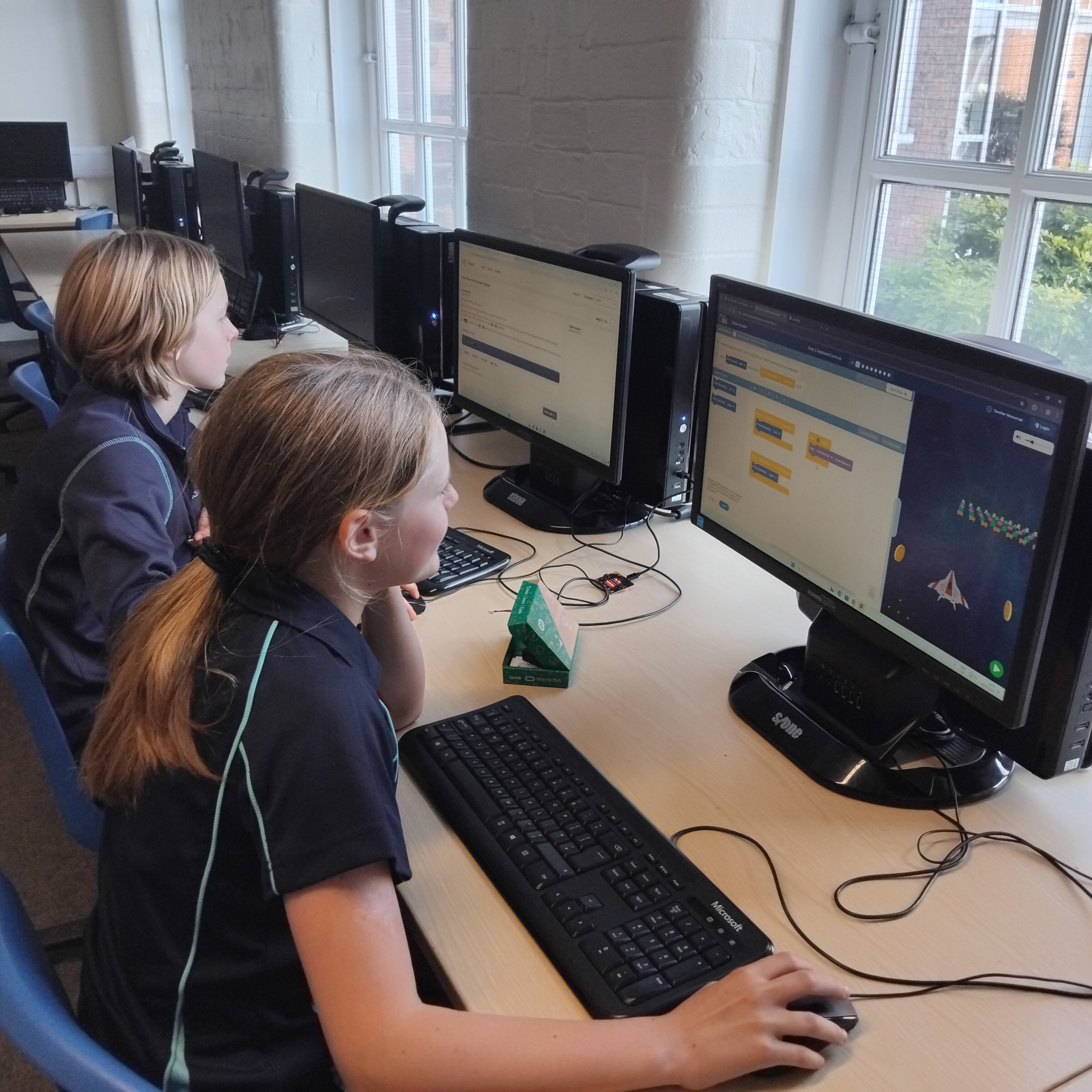
Two children sitting at computer desks, engaged in programming or gaming activities on their screens in a classroom setting.

AI projects: Empowering creators to shape the future

In 2025, many Code Club members became curious about artificial intelligence (AI). By introducing AI safely and accessibly, we help young people see themselves not as consumers of technology, but as creators who can shape how modern tools work.

The top three AI projects that inspired young coders in 2025 were

  1. Chomp the cheese – Make a mouth-powered, cheese-chomping game. Silliness for everyone!
  2. Doodle detector – Train a machine learning model to recognise your drawing
  3. Run an AI image generator on a Raspberry PiAn introduction to the world of AI image generation

These projects are powerful because they combine playful creativity and hands-on experimentation.

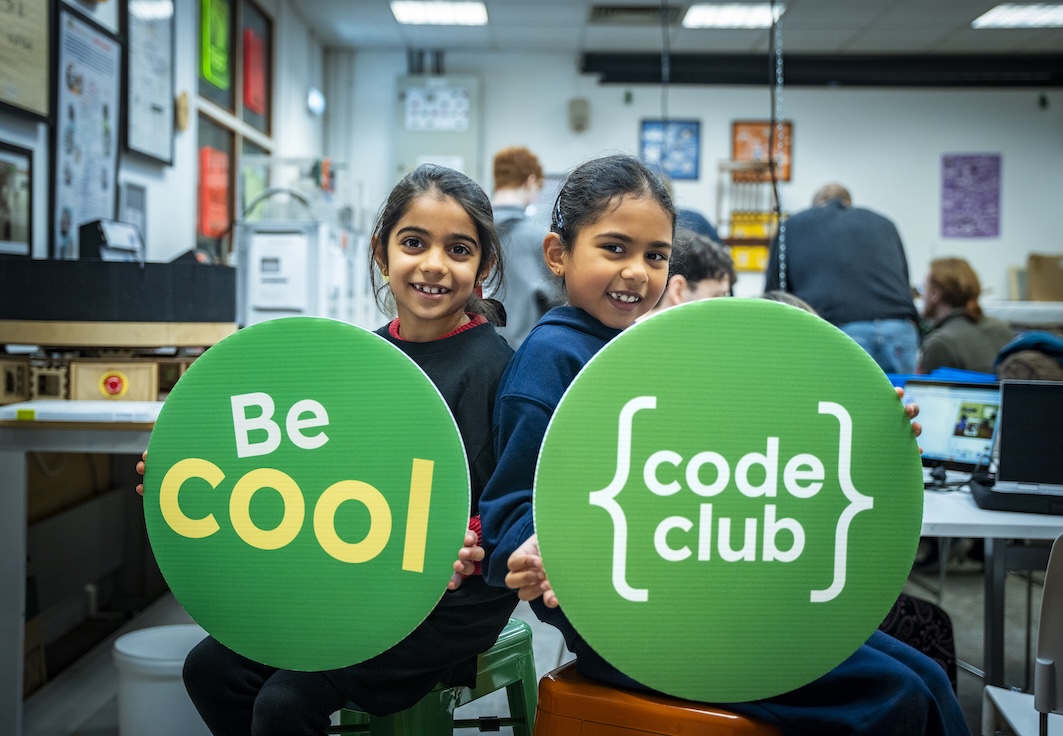
Two girls holding large green signs that read 'Be Cool' and 'code club', smiling at the camera in a creative workspace.

Code Club as a launchpad

From Scratch animations to Python adventures, from micro:bit inventions to AI explorations, 2025’s most popular projects show us that young people are keen to create, experiment, and express themselves.

As we look ahead to 2026, Code Club remains a launchpad for confident creators… and the best is yet to come!

Explore the rest of our projects and help creators spark their next big idea at Code Club.

Keeping young people safe: Top tips and useful resources

John McAtominey leads our work supporting Code Clubs in the UK, and is part of the safeguarding team at the Raspberry Pi Foundation. He also runs a Code Club in his local community, Selby CoderDojo. Here he shares his top tips and highlights some useful resources to help you keep your creators and mentors safe.

A group of children and mentors at a Code Club event, holding colorful signs that say 'Be Cool', 'Join the Club', 'We Made This', and '{code club}'. They are smiling and posing together in a classroom setting.

All Code Clubs running around the world in schools, libraries, and community spaces are unique. There is no one-size-fits-all approach to safety, but here are some key things to consider. It is important to think about other ways to make your club as safe as possible too!

Understanding and managing risks

Take a moment to think about any risks that might affect people in your club — and, most importantly, what you can do to reduce or remove these risks. Risks could include damaged electrical cables, or not having a way to block inappropriate content online. Create a risk assessment for your club — we have an example risk assessment you can use to help you get started. Work on your risk assessment as a group of mentors, review it regularly, and make sure it is always available. You can find out more about our health and safety guidelines here.

A template for a risk assessment form designed for Code Clubs, including sections for hazards, at-risk individuals, current measures, and actions to control risks.

Safeguarding sponsors

Depending on where your club meets, you might have been asked to nominate a safeguarding sponsor. A safeguarding sponsor is someone with experience of safeguarding outside of the club and who has undertaken safeguarding training recently. Safeguarding sponsors should visit the club regularly, giving you support and advice on how to keep everyone safe. If it has been a while since their last visit, invite them to your next session and discuss what is going well and what might need improving. You can find out more about safeguarding sponsors here.

Background checks

A background check is an important way to check that someone is suitable to work with young people. All Code Club leaders and mentors should have an up-to-date background check specific to their region or country. If any club leaders or mentors involved in your club do not have a background check, it is important you act now to get them in place. You can find out more about background checks here, including specific guidance for club leaders and mentors in the UK and Republic of Ireland. If you are not sure about background checks in your country, please contact us and we will be happy to help.

As a club leader, you can also ask a new mentor to provide you with two references. A referee should be someone who is not related to the mentor and has known them for a reasonably long time. Work colleagues, line managers, and other people they have volunteered with are great choices. You should contact the referees to check they believe the mentor is honest, reliable, responsible, and suitable to work with young people.

Training

Having well-trained mentors who know how to support young people, how to spot signs a young person might be at risk, and what to do if they have a concern is critically important! At Code Club, we have a great safeguarding e-learning module that covers the key things you need to know. We also have a helpful mentoring e-learning module where you can learn more about different club activities, mentoring styles, the support and resources we have available, and more. These free e-learning modules are brilliant for all mentors involved in Code Clubs!

A digital interface of a safeguarding module from Code Club showcasing various topics related to child safeguarding, including a navigation menu on the left and colorful illustrations of three diverse characters on the right.

Code of behaviour

It is important that mentors know how they are expected to behave at Code Club — and it is helpful to talk about both the behaviours that will help make sure your Code Club is a safe, positive space, and the behaviours to avoid! Check out our handy mentor code of behaviour and share it with your team so everyone knows what is expected.

Registration forms

Having a registration form for your Code Club sessions makes it easier to manage numbers of creators and find out if creators require any support to access the sessions. It is also a good way to collect extra details like food allergies if your club activities will involve food, and to safely check people in and out of each session.

Sometimes things don’t go as planned and you may need to contact a parent or carer quickly. That’s why it is important to also collect emergency contact information in your registration form, even if a parent or carer stays for the session.

The Code Club platform allows you to create events that participants can register to attend. You can capture important information about participants, check participants in and out of sessions, and more, and it is completely free to use!. Log in to your dashboard to set up your next event.

Screenshot of the Code Club dashboard showing options to manage clubs, training, and support resources.

Posters

If a creator does not feel safe or happy, or they are worried about someone else, they might not know who to talk to. You can help by displaying our ‘Safe and happy’ posters, which you can customise for your club. You can download a PDF, edit a copy in Google Slides, or use the Canva template to make your own, then print and display them in your club venue.
If your Code Club is in the Republic of Ireland, you will need to display a child safeguarding statement that includes a risk assessment and key contact details. We have created a template guide (available as a Microsoft Word file (.docx) or a PDF) that you can download, which also includes links to additional guidance from Tusla.

What is in creators’ projects?

If something is not right in a creator’s life, they might not tell you, but you might see something in their projects that concerns you. They might express how they feel, or replicate behaviours they have seen at home, through their projects. As great mentors, you will already be talking to them about what they are working on, but if you see something that doesn’t look right, it is important to know what to do.

Creators use lots of platforms to build their projects. Some let them share projects so others can build on their work or add comments. This can be really positive, but there’s a risk someone could add inappropriate content to their project. The NSPCC have great resources you can use to help creators stay safe online, but you could consider switching off social features or using teacher or educator accounts where available

Knowing how to deal with a concern

If you have seen or heard something that doesn’t look right, it is important not to panic. The team at the Raspberry Pi Foundation is here to support you. We have created a guide on how to deal with safeguarding concerns — read it, share it with your mentors, and keep a copy at your Code Club.

For more resources to help make sure your Code Club offers a safe, positive environment for young people, take a look at our ‘Keeping everyone safe’ page and our safeguarding policy. If you have other ideas on how we can help keep young people safe, please contact us!