Discover ‘Don’t collide!’ – A great starter project for Python and Coolest Projects

Does Raspberry Pi Foundation Learning Manager, Mac, have a favourite Code Club project? Yes, he does! He shares insights into an exciting Python game that promises both fun and learning. He also explains why it’s an excellent choice of project to enter into the 2024 Coolest Projects online showcase!
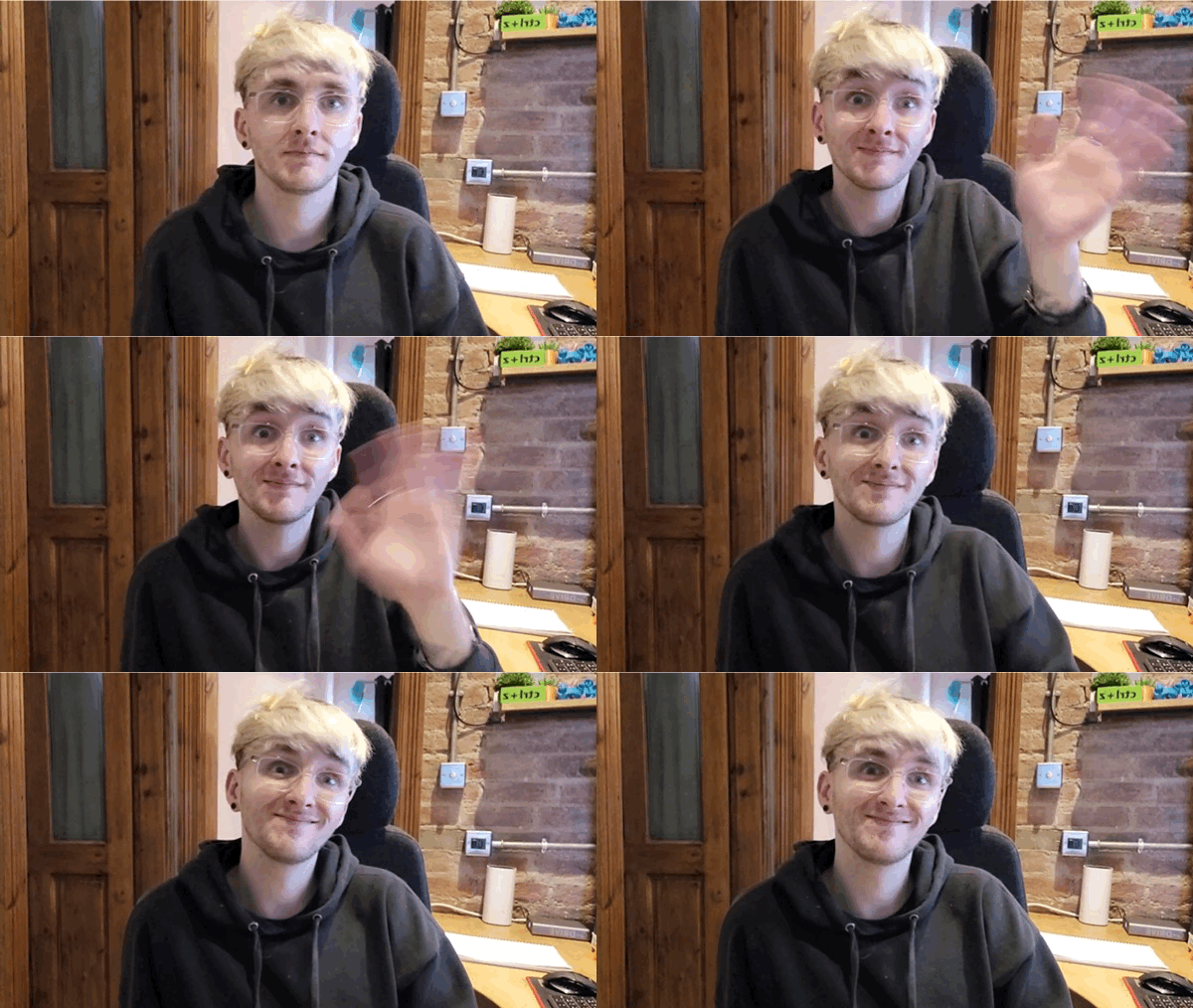
Mac is sat down and waving to the screen.
Say hello to Mac!

Hi Mac! You’ve worked on a lot of the Foundation’s projects. Can you share one of your favourites with us? 

That’s a tricky question! There are so many to choose from, but if I have to narrow it down to one project, I like our Python ‘Don’t collide!’ game. This project is in our Introduction to Python: Variables, functions, and loops path and it serves as an excellent introduction to the Design projects of 3…2…1…Make!. 

Why did you pick this project? 

This project helps young people learn to draw things in Python. They also have fun with images and emojis as game characters. I also really like that they learn to understand and use loops, if statements, and handle collisions between characters and obstacles. These are all essential building blocks of game creation when using the text-based programming language Python. 

Do you have any tips for introducing this project into a Code Club session?   

First off, run the game examples provided in the project to ignite children’s excitement about creating their games. 

Next, encourage young people to make their own design choices and put their own unique personalities and creative styles into their games — the exciting result is that each project will be unique. 

My last tip is to encourage thorough testing and debugging at each step to make sure it’s running as they expected it to. One mistake at the start is harder to spot and fix if you only test it at the end!

Graphic of a girl with rollerskates on.
Don’t collide!

What are the development/remix opportunities?  

There are so many options! The project is a great starter game, and learners can make it their own by matching it to a theme from their lives. Once they’ve picked their theme, they can then choose a character, backdrop, and obstacles to match that theme. 

Once the game is working, they can upgrade it by adding levels, or a high score table, or maybe extra types of obstacles. There are so many ways to make this project your own.

How can young people use the ‘Don’t collide!’ project to enter Coolest Projects? 

It fits perfectly into the Games category of Coolest Projects, and with enough improvements, it might even be fit for the Advanced programming category.

Thanks, Mac!

Registration is open for Coolest Projects.
Take part in Coolest Projects online!

Don’t collide!’ encourages your club members to build their Python programming skills. Why not showcase this achievement and celebrate their work by submitting it to the Coolest Projects showcase?

Young people have until 22 May to submit their creations. If you need further support, check out the resources for mentors webpage. Make sure you share your progress on X using the hashtag #CoolestProjects.

Go on a coding adventure with our NEW project paths!

To celebrate the new term, we’re bringing new coding discoveries to your Code Club. Find out how you can support your club members to become independent tech creators with our free educational project paths

Our new project path learning resources are structured so learners develop skills, knowledge, and increased independence as they progress through each path.  

Each path contains six projects. In the first three projects, known as ‘Explore’, new skills are introduced and learners are provided with step-by-step instructions to build their confidence. Next up are two ‘Design’ projects, to give children the opportunity to practise their new skills by creating their own personalised projects. The final ‘Invent’ project encourages coders to meet a project brief and decide how they want to develop their ideas using the toolbox of skills they’ve learned in previous projects. 

The project paths

Explore the project paths and choose one that suits your club this term. 

Introduction to Scratch: sprites, scripts, and loops
Club members find out how to add code, costumes, and sounds to sprites. They can make animations, games, apps, and books within this path.

Space Talk Scratch project

More Scratch: broadcast, decisions, and variables
To build on what they have learnt in the ‘Introduction to Scratch’ path, learners explore message broadcasting, if..then and if..then..else decisions, and variables.

Liz Smart, Learning Coordinator, shares why she’s enjoying the Grow a dragonfly project with her Code Club: 

“When club members realised the range of edits they could make to existing Scratch sounds, and how these could be used in their code, the club sessions got super creative! Every session since then has had an extra level of noise….and I love it!

An added bonus to this project was the amazing dragonfly facts that we all learned.”

Grow a Dragonfly Scratch project

Further Scratch: clones, my blocks, and Boolean logic
To take their Scratch learning a stage further, club members learn how to use Boolean logic, functions, clones, and more within their projects.

Introduction to Python: variables, functions, and loops
Coders are introduced to the text-based programming language Python. They code with variables, loops, and functions to create visual and interactive artwork, animations, simulations, games, and more.

Physical computing with Scratch and the Raspberry Pi
Bring physical computing into your club! This path guides you through how to use input and output electronics with Scratch and a Raspberry Pi computer.

Introduction to Unity: 3D objects, character controllers, colliders, text, and buttons
Help your coders take their first exciting steps in learning how to create 3D worlds and games with collectibles, timers, and non-player characters. These projects are brought to you with generous support from Unity Technologies.

Join us at an online workshop and discover how your Code Club can make 3D worlds with our NEW Unity project path!  

Unity 101: Setting up for success
Wednesday 2 February, 11:00 GMT / 6:00 EST / 16:30 IST

Unity 102: Creating 3D worlds
Wednesday 9 February, 13:00 GMT / 8:00 EST / 18:30 IST

Celebrating success 

Once club members have completed a path, celebrate their achievements by downloading one of our editable path certificates. 

If you’re based in the UK, the USA, India, or Ireland, head to your dashboard to download. If you’re based outside of these countries, visit our Code Club International website

Share your completed projects with the Code Club community on Twitter, using the hashtag #MyCodeClub.

Astro Pi Mission Zero gives real-world coding experience to club members!

In December, we watched two brand-new Astro Pi units launch into space for the European Astro Pi challenge. They’re now on board the International Space Station (ISS) ready to run young learners’ Astro Pi Mission Zero code! 

What is Astro Pi Mission Zero? 

Astro Pi Mission Zero is an engaging beginners’ coding challenge, open to all young people under the age of 19 in ESA member and associate states.

Using the step-by-step instructions young people will write a simple Python programme, which will display a message to the astronauts on board the ISS using the Astro Pi units.

First-hand experience 

Teacher Sophie Hudson, from Linton-on-Ouse Primary School, shares her experience taking part in Astro Pi Mission Zero, and why the bespoke certificates caused excitement amongst her club members!

“Although it might look daunting, it is actually very manageable! I did complete it myself first so that I knew what to do and had got my head around it. The instructions were very clear and helpful, making it manageable step-by-step.

Make sure you emphasise the real-world impact the activity has – their work is actually going into space!

The certificates were also a big excitement as they were interested to find where on the ISS their code was run.”

Educator, Sophie Hudson

Conversations on space

Our fascination with space is universal! Astro Pi Mission Zero gives young coders real-world experience, whilst supporting curriculum learning outside of the classroom.

Inquisitive minds are able to explore space science first-hand, asking questions that matter to them. Educator Ruth Laird from St Paul’s Code Club in York, has had just this experience: 

“It makes them more aware of what sort of things happen on the International Space Station and lets them be a part of it too. The excitement on the kid’s faces when you tell them that their code will actually be run there is unbelievable. 

Projects like this open up other conversations too. I had kids asking me how the astronauts go to the toilet and what they do with the waste!”

Get ready for blast off

Here are five things to remember before you head to space with Astro Pi Mission Zero:

  • You don’t need special equipment or coding skills
  • Register your club to take part in Mission Zero 
  • Plan one to two sessions in the new term to complete your mission
  • Club members will receive a special certificate showing exactly where the ISS was when their program ran
  • The closing date for entries is Friday 18 March 

Connect with the Code Club team on Twitter at Code Club UK or Code Club World and let us know how your coders get on with Astro Pi Mission Zero!