Hands-on computing: Explore our new Code Club unplugged projects

Not every Code Club session needs computers to support brilliant learning. Our new unplugged projects bring core computing concepts to life through games, puzzles, and hands-on activities that get creators moving, thinking, and collaborating — all without screens.

Why unplugged matters

We want to make computing concepts accessible to everyone. These unplugged activities support clubs working with limited devices and offer more flexible, hands-on session options.

This helps to build inclusivity and lower barriers for Code Clubs around the world, ensuring that every child has the chance to learn and create.

Built with (and tested by) the Code Club community

The success of these projects is a direct result of our community’s incredible support. The projects were tested in clubs all over the world, and mentors and creators shared valuable insights from real sessions that informed key improvements.

This collaboration helped ensure the resources are engaging, practical, and enjoyable. We’re deeply grateful to the community for playing such an important role in shaping these projects.

Two hands reaching for printed cards on a table showing different Scratch blocks

Four flexible formats to fit any session

There are four unplugged formats designed to flexibly support your sessions, making it easy to adapt activities to your time, space, and group.

Icebreakers (10–15 mins)

These icebreakers get creators moving and chatting in a relaxed way, without putting anyone on the spot. They’re perfect for new groups, setting a playful tone while building confidence and a sense of community from the start.

  • Flexible for individuals or teams
  • Builds sequencing, decomposition, and algorithmic thinking
  • Encourages creativity and problem-solving 

When tested, creators loved the friendly competition, the mystery of the hidden treasure, and the freedom to get imaginative with their clues.

“Our Creators absolutely loved creating their own secret sequences of clues. It was a brilliant mix of a fun treasure hunt and a clever little challenge!”  – Code Club mentor

Warm-up activities (15–20 mins)

These activities gently introduce core concepts, which creators then explore further in a linked digital activity later in the session.

Standalone games (30–60 mins)

The self-contained games are ideal for exploring core concepts in your Code Club. They include built-in discussion starters to help creators make connections and reflect together.

Escape rooms (as long as you need!)

Our escape room projects are a series of linked puzzles with an exciting narrative that can unfold over one full session or several sessions. Creators experience blended storytelling while using code-breaking and teamwork to reach a shared end goal. These can be completed in teams or individually.

Escape the jungle with The Jungle Awakens

The Jungle Awakens is an immersive escape-room experience set in the Lost Temple of the Emerald Heart. Creators tackle linked puzzles — including logic challenges, ciphers, and navigation tasks — to uncover the temple’s secrets.

  • Flexible for individuals, pairs, or small groups
  • Introduces key computing concepts, from algorithms to cryptography
  • Ideal for mixed-ability groups
  • Encourages teamwork and communication

“It’s a fantastic series of linked puzzles with an exciting narrative. The blended storytelling, code-breaking, and teamwork all work together perfectly, and by the end, our club felt like a well-oiled problem-solving machine!” – Code Club mentor

Three young boys collaborating on a paper-based activity.

Getting started with unplugged sessions

Unplugged sessions are flexible, low-prep and work well when devices are limited or you need to add some variety. They’re ideal for the start or end of term — or anytime you want to take learning off-screen.

Mix unplugged and digital by using unplugged activities as quick warm-ups to introduce core concepts like sequencing, then build on them in a linked digital activity. They also work well as extensions for early finishers or on device-free days.

Getting started is easy. No specialist equipment is needed, setup is minimal, and activities are designed for mixed-ability groups so every creator can take part and learn. 

Whether you’ve got five minutes or a full session, explore our unplugged projects and discover flexible, screen-free ways to build computing skills.

Everything in one place: Helping beginners code with confidence with the Code Editor

We’ve been introducing a new way for creators to work on Code Club projects — one that keeps everything in one place, with no switching between tabs.

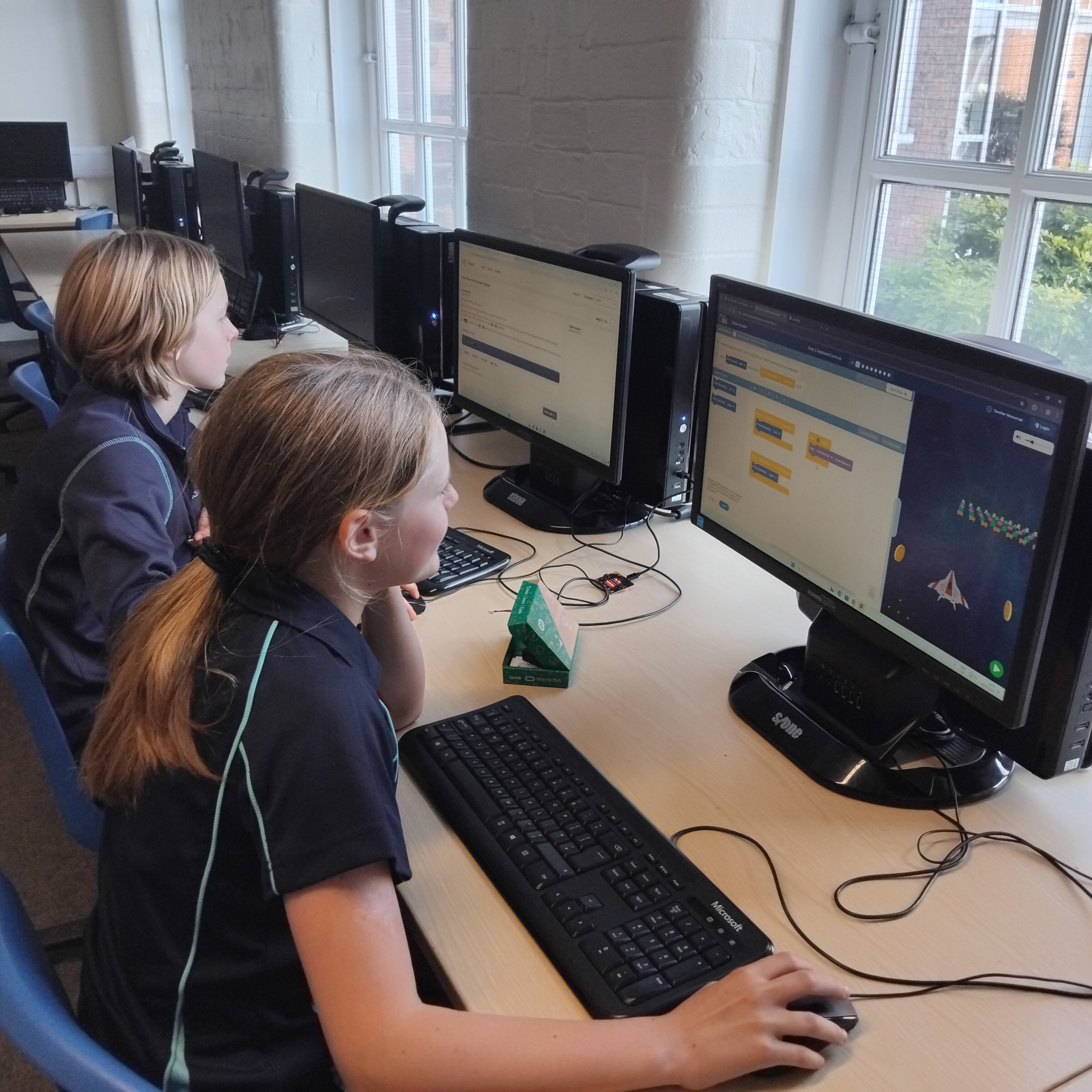
We’re building our Code Editor into Code Club projects, starting with Python, with more projects on the way. This free, online tool lets young people open a project and start coding straight away in their web browser.

We’ve designed our editor for learning — it provides a friendly environment with helpful features like syntax highlighting and error checking, so learners can focus on understanding their code as they write and run Python.

Screenshot of a coding project interface titled 'Python wild - Hop the frog', showing instructions to draw a frog using code on the left and a visual output of a lily pad in water on the right, with a green background.

Instructions and code, side by side

With our Code Editor, creators can see the project instructions and code side by side, which means:

  • No switching between tabs
  • No printing instructions
  • No split screens
  • Shorter instructions
  • Easier for creators to debug their code 

“The built-in Code Editor is a big hit. Having the instructions, code, and output all on one page is incredibly helpful — creators can see everything at once.”  – Tom Lund, Bootham School Code Club

New: Try our latest Python projects in our Code Editor

If you’re curious about what this looks like in practice, try running one of our new Python Bytes or Python Wild projects, all designed to run entirely in our Code Editor. They’re a simple way to see how having everything in one place helps learners stay focused and progress through projects.

A focused young boy working on a laptop, surrounded by other computers, with digital icons representing technology and creativity above him.

Python Bytes uses three playful, food-themed projects to make text editing approachable. Creators invent over-the-top dishes in Disgusting dishes, write a humorous shopping list in Gross groceries, and then subtly sabotage instructions in Recipe wreckers.

Python Wild brings a selection of wildlife to the screen while introducing graphics with Python. Creators draw an insect in Dot the bug, animate a slithering character in Wiggle the snake, and finish with a bouncy amphibian in Hop the frog.

“As we wrote these projects for the Code Editor, our aim was simple: remove the friction that can slow beginners down. When everything’s in one place, creators can try ideas quickly, recover from mistakes, and make progress with far more confidence.” – Marc Scott, Learning Team

What about saving creators’ work?

Creators can save their work to their Raspberry Pi Foundation account as they progress. Young people under the age of 13 will need permission from a parent or guardian to set up a Raspberry Pi Foundation account — we have a printable parental permission letter that you can share to make this easier.

What’s next for our Code Editor 

There’s more to come! We’re updating some of your long-time favourite projects for the new editor, alongside plenty of brand-new activities for creators to explore. Watch this space! 

Open and code instantly with our Code Editor: explore our Python Bytes and Python Wild beginner projects with your Code Club.

The coding projects that empowered creators in 2025

Code Clubs are unique learning communities where young people get hands-on experience with a wide range of tools, from drag-and-drop Scratch blocks to text-based Python, from micro:bit to emerging AI tools.

It’s no surprise that in 2025 the biggest hits were the projects that build key skills and give creators a solid foundation to grow from, all while sparking curiosity, boosting confidence, and supporting steady progression — let’s explore the projects you enjoyed most last year!

A young girl and an adult man smiling and working together at a laptop, with the text 'Make your ideas' displayed above them.

Scratch: Building foundations through play

For many creators joining Code Club, the journey begins with Scratch. Here, they learn the building blocks of programming. 

The top three Scratch projects that inspired young coders in 2025 were

  1. Boat race – Steer your boat to the island and avoid the obstacles
  2. Space talk – Code a space scene with characters that emote
  3. Catch the bus – Create an animation with sprites that run or fly to catch a bus

These projects are quick to start, easy to personalise, and full of opportunities for added challenges. Creators build skills in sequencing events, switching costumes to simulate movement, and synchronising actions to tell simple stories — all core storytelling and animation techniques in Scratch.

A child in a green sweater interacts with a large screen displaying a coding interface, likely for a game or animation project. Various coding blocks and character animations can be seen on the screen.

Python: Turning ideas into real-world programs

As young people grow in confidence, many are keen to try text-based coding to express more complex ideas.

The top three Python projects that inspired young coders in 2025 were

  1. Astro Pi: Mission Zero – Have your code run onboard the ISS
  2. Hello world – Write an interactive project that uses emojis
  3. About me – Write a program telling people all about you

Each of these projects builds confidence by showing creators that they can write code, that their work can have real-world impact and simple scripts can express personal creativity.

A young boy using a computer mouse while focused on the screen, with an adult man seated beside him, in a room with other people working on computers.

BBC micro:bit: Making code tangible

Nothing builds confidence like making something physical work, like buzzers, lights or sensors. We all love to see that “aha!” moment in a Code Club session!

The top three micro:bit projects that inspired young coders in 2025 were

  1. Music player – Create a mood-matching tune picker
  2. Sound level meter –Track and log sound levels, with an alarm for high noise!
  3. Fortune teller – Use your micro:bit to read the future!

These projects are valuable because they combine instant physical feedback, real-world relevance, and opportunities for tinkering and customisation.

Two children sitting at computer desks, engaged in programming or gaming activities on their screens in a classroom setting.

AI projects: Empowering creators to shape the future

In 2025, many Code Club members became curious about artificial intelligence (AI). By introducing AI safely and accessibly, we help young people see themselves not as consumers of technology, but as creators who can shape how modern tools work.

The top three AI projects that inspired young coders in 2025 were

  1. Chomp the cheese – Make a mouth-powered, cheese-chomping game. Silliness for everyone!
  2. Doodle detector – Train a machine learning model to recognise your drawing
  3. Run an AI image generator on a Raspberry PiAn introduction to the world of AI image generation

These projects are powerful because they combine playful creativity and hands-on experimentation.

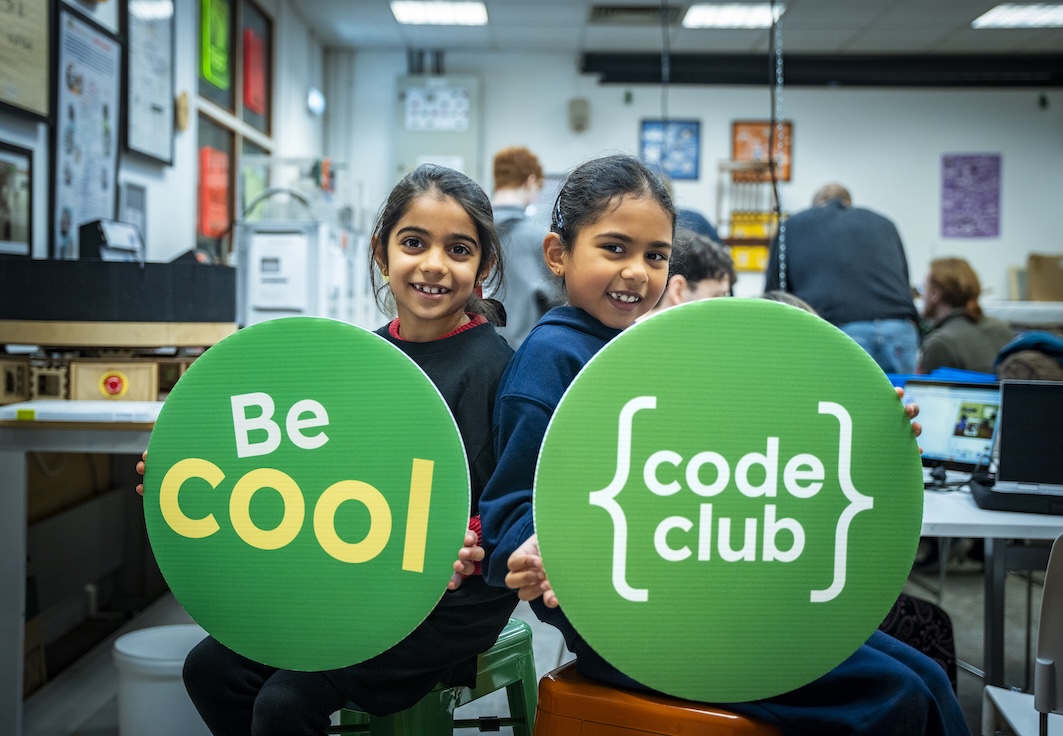
Two girls holding large green signs that read 'Be Cool' and 'code club', smiling at the camera in a creative workspace.

Code Club as a launchpad

From Scratch animations to Python adventures, from micro:bit inventions to AI explorations, 2025’s most popular projects show us that young people are keen to create, experiment, and express themselves.

As we look ahead to 2026, Code Club remains a launchpad for confident creators… and the best is yet to come!

Explore the rest of our projects and help creators spark their next big idea at Code Club.