‘Hello World’: The perfect Python project for your Code Club

Are you ready to introduce your Code Club members to the exciting world of text-based coding? Vasu, our Programme Manager in India, shares her enthusiasm for our ‘Hello World’ Python project. Discover why it’s the perfect starting point for anyone wanting to learn Python and how your young coders can showcase their creations in the 2024 Coolest Projects online showcase.

Vasu waving
Meet Vasu

Hi Vasu! You’ve introduced a lot of young people in India to our projects. Can you share your favourite with us? 

Great question! As someone with no formal coding background, diving into Scratch and Python has been quite a journey. A standout for me is the Python ‘Hello World‘ project. It’s a fantastic starter for anyone — after all, who doesn’t love emojis? 😄

This project is in our Introduction to Python: Variables, functions, and loops path and it serves as an excellent introduction to the Explore projects of 3…2…1…Make! 

‘Hello World’

Who do you think this project is suitable for? 

It’s a great project for all ages! It’s the perfect way to show beginners how approachable Python can be, especially for those nervous about moving on from block-based programming languages, like Scratch. They’ll quickly see it’s not as intimidating as it seems! Go on, give it a go! 

What skills will young people learn from completing ‘Hello World’?  

As Code Club members work through this path, they create an interactive project that uses emojis, they’ll learn how to store text and numbers in variables, and use functions to organise their code. 

What struck me wasn’t just the technical skills gained from working through the project, but the shift in mindset it brought. It’s a confidence booster for beginners, easing anxiety and building the skills to progress on to the other projects in the ‘Introduction to Python’ path. 

A row of young people looking at computer screens in a classroom.
Young coders from Udaipur, India

Do you have any tips for introducing this project into a Code Club session?  

The key tip is ensuring kids have a solid foundation in block-based coding skills before transitioning to text-based programming. Once they’re comfortable with programming basics, help them transition into Python. 

Our ‘Hello World’ project is also one of the projects where we’re trialling the full integration of our new Code Editor! Within the code editor, young people can have the project guide and code in the same window. As we’ve removed the need to switch tabs, learners can focus on coding and having fun! 

How can young people use the ‘Hello World’ project to enter Coolest Projects? 

It is an easy project to start with. Young people can use the skills learnt in this project and upgrade their project with different texts and emojis, or add comments to their code. At the end of the project, young people get some great ideas for upgrading their work. I encourage them to explore these examples and see how they can take their projects further.

Once they’re happy with their project, they can then record a video of their creation and enter Coolest Projects!
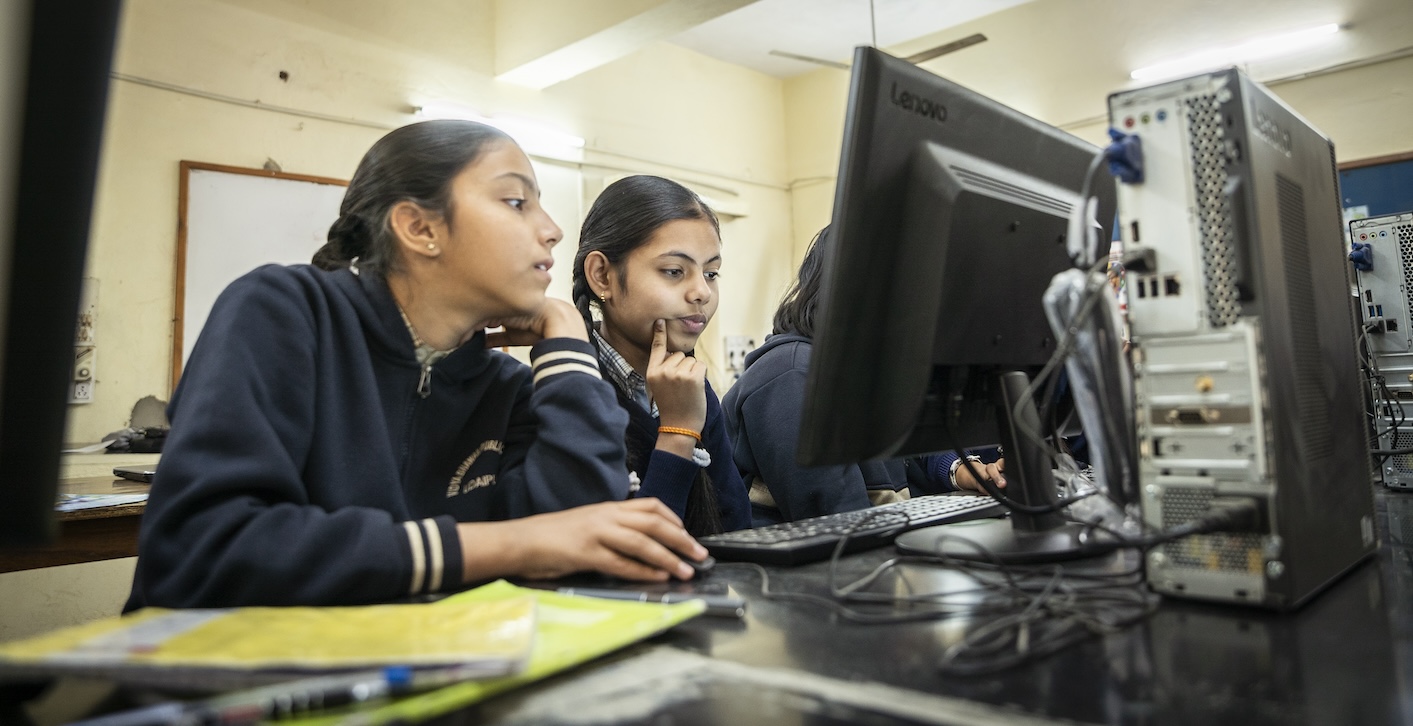
Two girls look at a computer screen.
A Code Club in Udaipur

Thanks, Vasu! 

‘Hello World!’ encourages your club members to build their Python programming skills. Why not showcase this achievement and celebrate their work by submitting it to the Coolest Projects showcase?

Young people have until 22 May to submit their creations. If you need further support, check out the resources for mentors webpage. Make sure you share your progress on X using the hashtag #CoolestProjects.

Discover ‘Don’t collide!’ – A great starter project for Python and Coolest Projects

Does Raspberry Pi Foundation Learning Manager, Mac, have a favourite Code Club project? Yes, he does! He shares insights into an exciting Python game that promises both fun and learning. He also explains why it’s an excellent choice of project to enter into the 2024 Coolest Projects online showcase!

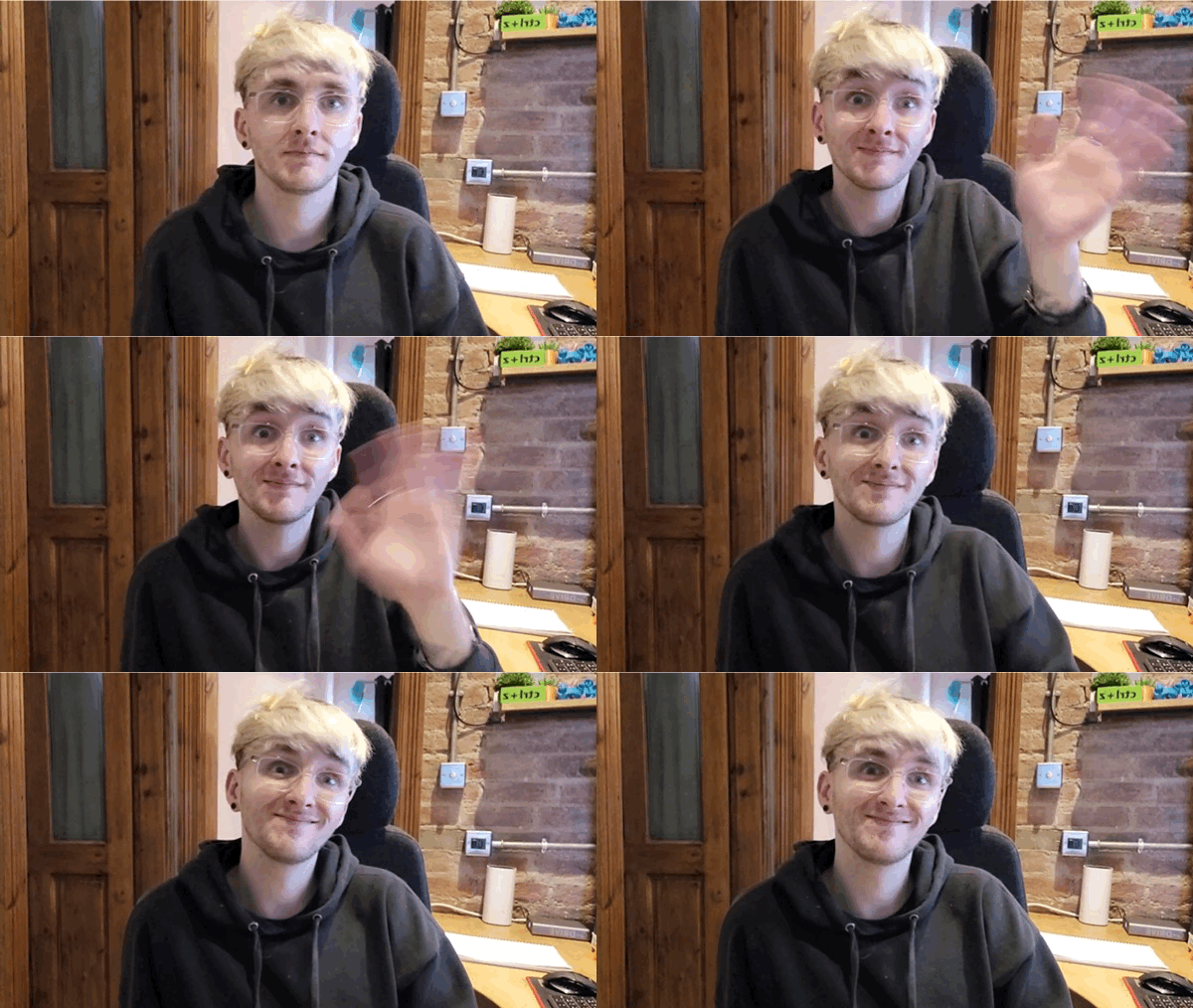
Mac is sat down and waving to the screen.
Say hello to Mac!

Hi Mac! You’ve worked on a lot of the Foundation’s projects. Can you share one of your favourites with us? 

That’s a tricky question! There are so many to choose from, but if I have to narrow it down to one project, I like our Python ‘Don’t collide!’ game. This project is in our Introduction to Python: Variables, functions, and loops path and it serves as an excellent introduction to the Design projects of 3…2…1…Make!. 

Why did you pick this project? 

This project helps young people learn to draw things in Python. They also have fun with images and emojis as game characters. I also really like that they learn to understand and use loops, if statements, and handle collisions between characters and obstacles. These are all essential building blocks of game creation when using the text-based programming language Python. 

Do you have any tips for introducing this project into a Code Club session?   

First off, run the game examples provided in the project to ignite children’s excitement about creating their games. 

Next, encourage young people to make their own design choices and put their own unique personalities and creative styles into their games — the exciting result is that each project will be unique. 

My last tip is to encourage thorough testing and debugging at each step to make sure it’s running as they expected it to. One mistake at the start is harder to spot and fix if you only test it at the end!

Graphic of a girl with rollerskates on.
Don’t collide!

What are the development/remix opportunities?  

There are so many options! The project is a great starter game, and learners can make it their own by matching it to a theme from their lives. Once they’ve picked their theme, they can then choose a character, backdrop, and obstacles to match that theme. 

Once the game is working, they can upgrade it by adding levels, or a high score table, or maybe extra types of obstacles. There are so many ways to make this project your own.

How can young people use the ‘Don’t collide!’ project to enter Coolest Projects? 

It fits perfectly into the Games category of Coolest Projects, and with enough improvements, it might even be fit for the Advanced programming category.

Thanks, Mac!

Registration is open for Coolest Projects.
Take part in Coolest Projects online!

Don’t collide!’ encourages your club members to build their Python programming skills. Why not showcase this achievement and celebrate their work by submitting it to the Coolest Projects showcase?

Young people have until 22 May to submit their creations. If you need further support, check out the resources for mentors webpage. Make sure you share your progress on X using the hashtag #CoolestProjects.

The coolest resources to get your Code Club ready for Coolest Projects Global

Take a look at these FIVE resources to support your Code Club to get involved with Coolest Projects Global, an international celebration of technology! 

Coolest Projects Global is the world’s leading technology showcase for young people. It’s an opportunity for your coders to share their tech creations with the world in the Coolest Projects online gallery.

Registration is open! All levels, programme languages, and stages of projects are welcome. The Coolest Projects team has released a collection of new resources to support educators and participants for this year’s global showcase.

The coolest resources

Mentor plan

Our mentor plan will help you support young people through their Coolest Projects journey. 

This plan will cover all the important stages, from idea generation to project registration. At each step, we share the skills that coders will develop and tips to make sure they are all set to share their creations at Coolest Projects Global

Check out the mentor plan

Session plans

We have session plans to help you lead a Code Club session on creating something for Coolest Projects. 

The session plans will support you to tell your young people all about Coolest Projects, as well as how to design, debug, and register a project. Remember: Young people can enter any tech project they like, including a very simple Scratch project.

Take a look at the session plans

Youth workbook

This youth workbook will help your young creators: 

  • Explore ideas
  • Develop their design thinking
  • Stay focused on making a cool project they can share with others 

Read the youth workbook  

Cool swag

Coolest Projects Global is a celebration, which is why we make sure every participant is celebrated!  

Every participant is eligible to receive digital or physical swag, and everyone will get feedback on their projects from our awesome judges. There are also prizes for the judges’ favourite projects, which will be announced at the online celebration in June. 

Sneak peek of the new swag!

Project library 

If you need some help to get your coders started, why not check out our project library? We’ve got over 200 projects, for all levels of experience and covering a wide range of topics. Our projects have even been translated into over 28 languages. 

We have projects organised into paths to help coders develop their skills, knowledge, and independence as they create cool projects. 

We’d love to see how your coders add their own personal style to these projects in their entries for Coolest Projects Global. 

Join the global showcase

Young creators have until 11 May to submit their creations. If you need any further support, check out the FAQ webpage. Make sure you share your progress on Twitter using the hashtag #CoolestProjects.